Audiobook Cover Size Requirements: Every Store's Specs in One Place
Alek Karp
Co-founder
Share this article
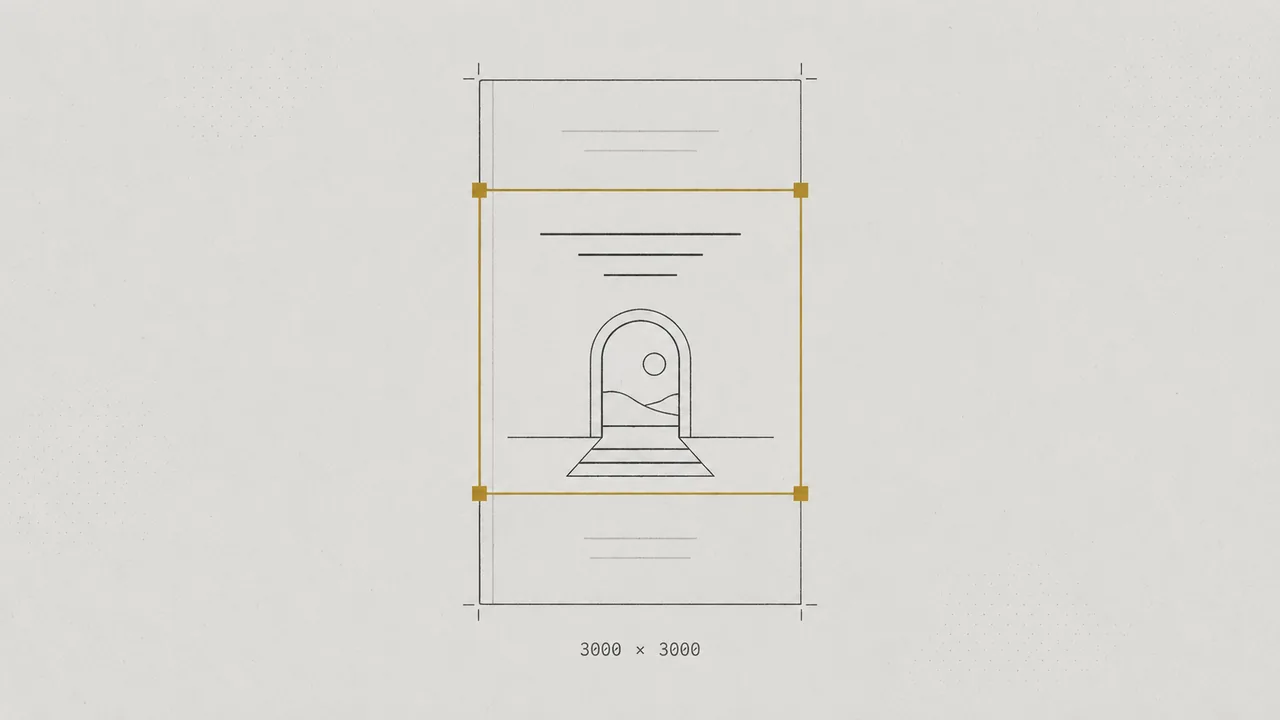
Audiobook cover size requirements for ACX, Google Play, Apple Books, Spotify, and Kobo: square ratio, pixel minimums, file formats, and file size caps.
Audiobook cover size requirements start with one shape: a square, at a 1:1 ratio. Google Play recommends 2400 × 2400 pixels, and ACX requires at least 2400 × 2400. Apple Books requires at least 3000 × 3000, and Spotify recommends 3000 × 3000.
Our advice is to build one 3000 × 3000 RGB master and export a JPG or PNG for each store.
Quick summary: audiobook cover specs by store
Every major audiobook store wants a square cover, and size floors run from Kobo's recommended 600 × 600 up to Apple's required 3000 × 3000. A 3000 × 3000 file meets every size in this table, while a 2400 × 2400 file sits below Apple's minimum.
| Store | Ratio | Size | Formats | File size cap |
|---|---|---|---|---|
| ACX (Audible) | 1:1 | At least 2400 × 2400 | JPG, PNG, TIF | 8 MB |
| Google Play Books | Square recommended (1:1 required for auto-narrated) | 1,024–7,200 px per side (2400 × 2400 ideal for auto-narrated) | JPEG, PNG | Under 2 GB |
| Apple Books | 1:1 required | At least 3000 × 3000, larger recommended | Not stated | Not stated |
| Spotify | 1:1 | 3000 × 3000 recommended | PNG, JPEG | Not stated |
| Kobo | Square (non-square is auto-adjusted) | At least 600 × 600 recommended | PNG, JPG, JPEG | 5 MB |
ACX also asks for 24-bit RGB color at 72 dpi or higher. Google's Google Play Books cover requirements say the aspect ratio must be 1:1 and recommend a square image, ideally 2400 × 2400 pixels. That page covers Google's auto-narrated audiobook flow.
Apple's Apple Books audiobook formatting guidelines say cover art must be at least 3000 × 3000 pixels and recommend larger images. The guide states no file format or file size, so check your distributor's specs for Apple.
Kobo's Kobo Writing Life audiobook upload page caps cover images at 5 MB, the tightest limit in the table. Store pages change, so re-check each one before you upload.
Why are audiobook covers square when ebook covers aren't?
Aspect ratio is a cover's width compared with its height. Audiobook stores show covers as square tiles, and ebook stores show tall rectangles. Amazon's KDP ebook cover guidelines put the ideal ebook cover at 2,560 pixels high by 1,600 pixels wide, a 1.6:1 ratio.
That gap is why an ebook cover can't go straight into an audiobook upload. Padding a rectangle with bars to fill the square adds borders, and ACX names added borders as a common rejection. Same book, different shelf shape, so redesign the art for the square.
Breakdown: what each spec means
A cover can clear every pixel rule and still bounce. Each spec below causes its own rejections, so check them one at a time.
Pixels, DPI, and PPI: which number matters?
Pixel dimensions are the number stores check. DPI (or PPI) is a print setting that tells a printer how densely to place those pixels. ACX's 72 dpi minimum is met by almost any export.
Adobe's Adobe image size and resolution help page says to focus on pixel dimensions for screen display and ignore resolution settings. Adobe also advises against resampling, especially upsampling. A 1600-pixel image stretched to 3000 pixels is still blurry, just bigger.
So start from art that is already 3000 pixels or larger. If your designer delivered a smaller file, ask for the original design file and export again.
File format, color, and file size
JPG is the common denominator. ACX, Google, Spotify, and Kobo all take JPG, and all four accept PNG too.
ACX specifies 24-bit RGB color and rules out CMYK, with an 8 MB file cap. Kobo's 5 MB cap is tighter, and a detailed 3000 × 3000 PNG can run past it. Export a JPG for Kobo and check the file size before upload.
Spotify's Spotify for Authors upload specs say to use PNG or JPEG at a 1:1 ratio, with 3000 × 3000 recommended. Spotify's asset guide goes further and prefers PNG at that size with 24-bit color.
The Author's Republic checklist calls for an exact 2400 × 2400 JPG with an alphanumeric filename. That means letters and numbers only, with no spaces or symbols.
Content rules: what can't go on the cover
The title and author must be clearly shown, and both must match your metadata. ACX bans these on cover art:
- Pixelated text
- Audible branding
- Offensive material
- Watermarks or third-party images
- Physical media
- Competing marketplaces or URLs
- Running time or pricing
- Barcodes or QR codes
- Book jackets
Spotify adds its own limits. The Spotify metadata and assets guide requires square art without borders or letterboxing, and it bans images of physical books or CDs.
Apple's guidelines bar pricing on the cover. They also bar wording that points to physical formats, such as "CD" or "Disc."
The "Only from Audible" badge
Audible adds an "Only from Audible" badge to exclusive titles at its discretion. The badge sits in the lower right corner, 41% in from the edge, which is 984 pixels on a 2400 × 2400 cover. Keep that corner clear of title text and key art.
Lex titles are non-exclusive, so the badge doesn't apply to them. A clear corner still costs nothing, and it saves a redesign if a future edition goes exclusive.
Why covers get rejected (and how to avoid it)
ACX's documented misses are mostly avoidable. The common ones are borders added to make a rectangle square, a title that doesn't match the metadata, blurry art, and images of physical media.
The other easy bounce is a title spelled one way on the cover and another way in the metadata or credits. We match all of it before a book ships. Here's how Publisher ships your audiobook.
How to build one cover file that works everywhere
If you upload to stores yourself, build one master file and export a copy for each store. Our recommendation is a 3000 × 3000 master, which clears every size minimum in the table above, including Apple's, the highest store floor we found.
- Design at 3000 × 3000 pixels or larger, in RGB.
- Shrink the design to thumbnail size and confirm the title and author are still legible.
- Keep text away from the edges, and leave the lower right corner clear.
- Export a JPG for each store, and confirm the Kobo copy is under 5 MB.
- Name each file with letters and numbers only.
- Match the title spelling on the cover to your metadata exactly.
Run the finished files against this checklist before any upload. Each row maps to a spec or a rejection covered above.
| Check | Target |
|---|---|
| Ratio | 1:1 square |
| Master size | 3000 × 3000 px or larger (Lex recommendation) |
| Color | 24-bit RGB |
| Export format | JPG, or PNG where accepted |
| ACX file size | 8 MB or less |
| Kobo file size | Under 5 MB |
| Edges | No borders or letterboxing, including dark vignettes |
| Lower right corner | Clear of text and key art |
| Filename | Letters and numbers only |
| Title and author | Match metadata exactly |
The cover is one file in a larger delivery. Our audiobook file specs guide covers the audio side of the upload. For how the cover reads at thumbnail size on a store page, see selling and listing your audiobook.
Packages: who handles the cover
Voiceover is $49 one-time and Studio is $99 one-time, each with 10 finished hours included. Both packs deliver the audio, and you supply your own cover. Neither takes royalties, so you keep 100% of every sale.
Publisher is a custom quote per book, with 10 finished hours included. It covers everything in Studio plus multiple voices per book and done-for-you publishing everywhere. Lex then distributes the book to Audible and the wide stores.
Lex takes no royalties. On wide stores, the distribution partner keeps 20% of net, deducted before remittance. Audible and Spotify are direct uploads with no partner fee.
The full tiers are on Lex production packages. Our wide audiobook distribution page lists what each store pays. To see where an AI-narrated title can go, read our guide to stores that accept AI narration.
FAQ
What size should an audiobook cover be?
Build a square master at 3000 × 3000 pixels, which meets Apple's minimum and matches Spotify's recommended size. ACX requires at least 2400 × 2400, and Google recommends 2400 × 2400 as ideal.
What aspect ratio do audiobook covers use?
Audiobook covers use a 1:1 square ratio. Kobo adjusts non-square covers automatically, while ACX, Apple, Google, and Spotify all expect a square.
What file formats are accepted for audiobook covers?
ACX, Google Play, Spotify, and Kobo all accept JPG and PNG, and ACX also takes TIF. Apple's audiobook guide doesn't state a format, so check your distributor's specs for Apple.
What is the maximum file size for an audiobook cover?
Kobo caps cover images at 5 MB and ACX at 8 MB, while Google allows files under 2 GB. Spotify and Apple publish no cap on the pages we checked. Export the Kobo copy as a JPG under 5 MB.
Can I use my ebook cover for my audiobook?
Only after you redesign it for the square. Ebook covers are tall at a 1.6:1 ratio, and padding one into a square adds borders that ACX and Spotify both flag.
Conclusion
Build one square 3000 × 3000 RGB master, then export a JPG for each store. Keep the edges clean and the title matched to your metadata. That 3000 × 3000 master clears every size minimum in the table above, as checked in October 2026.
Hear your first chapter free
Send the manuscript. We cast, direct, and score the opening and send it back in about a day. No card, yours to keep.
More to read
How to Market an Audiobook: A Producer's Launch Plan for Indie Authors
How to market an audiobook in order: fix the listing, choose your shelves, tell your readers, post clips, collect reviews, and pay for reach last.
Audiobook Pronunciation Guide for Narrators: What to Include and How to Write It
How to write an audiobook pronunciation guide for narrators: what to list, respellings that read at speed, and how to check the audio.