How to remove your Virtual Voice audiobook from Audible
Alek Karp
Co-founder
Share this article
Remove a KDP Virtual Voice audiobook through KDP, not ACX, and why KDP Select audio exclusivity still runs until the current term ends.
If you made the audiobook using Amazon's Virtual Voice option, remove it through KDP, not ACX. The audiobook is sold on Audible, but you created and manage it from your KDP Bookshelf.
Take down the audiobook
- Sign in to KDP and open your Bookshelf.
- Find the audiobook under your title. Open the menu next to Edit Audiobook and look for Unpublish audiobook.
- Check its status in KDP and on Audible. Amazon says unpublishing can take up to 72 hours. If you don't see the option, or the audiobook is still for sale after that, contact KDP support.
Make sure you choose the audiobook. You can leave your Kindle ebook and print book on sale. Don't choose Archive: that only hides the title from your Bookshelf and may archive the whole title.
Before you release a replacement, check KDP Select
On your Bookshelf, click the three dots next to the Kindle ebook and choose Manage KDP Select. If it's enrolled, you'll see the start and end dates of its current 90-day term.
Here's the part that's easy to miss: unpublishing Virtual Voice does not end the audio exclusivity. If the ebook is in KDP Select, Amazon requires any audio edition of that book to remain exclusive through the end of the current term. The clock does not start over when you unpublish the audiobook; use the end date shown in KDP. If the ebook isn't enrolled in KDP Select, this particular 90-day restriction doesn't apply.
Amazon's general KDP Select page says audio can be sold elsewhere. That advice doesn't cover this case: the Virtual Voice terms add an audio exclusivity rule when the associated ebook is enrolled in KDP Select.
If you want to distribute your new audiobook elsewhere, turn off KDP Select's automatic renewal. From Manage KDP Select, select Manage KDP Select Enrollment and uncheck Automatically renew this book's enrollment. The current term still runs to its end date. Don't grant another distributor audio rights or release the replacement elsewhere before then.
Leave the ebook published while you wait. Amazon says unpublishing a KDP Select ebook pauses its enrollment period. Taking the ebook down could push your end date further out.
If you're within the first three days of the current KDP Select term, Amazon says you can cancel enrollment. After that, contact KDP support if you need an earlier release. You can also ask support to confirm the end date if your account isn't clear.
These steps are for audiobooks made with KDP Virtual Voice. If you published yours through ACX, check your ACX agreement instead. The side-by-side of Virtual Voice and other production routes is on our Virtual Voice alternative page.
Amazon's help pages
- Remove or unpublish a book
- Virtual Voice and KDP Select audio exclusivity
- Check your KDP Select dates and turn off renewal
- Cancel KDP Select enrollment
When the exclusivity term is over, a produced edition is a file you can sell beyond Audible. Send a chapter and hear the first one free.
Hear your first chapter free
Send the manuscript. We cast, direct, and score the opening and send it back in about a day. No card, yours to keep.
More to read
Twenty Seconds Is Enough: What Our Best Author Voice Clones Were Recorded On
Four author clones, input and output. The 20-second clip each author sent, the clone reading their book, and the recording rules that held.
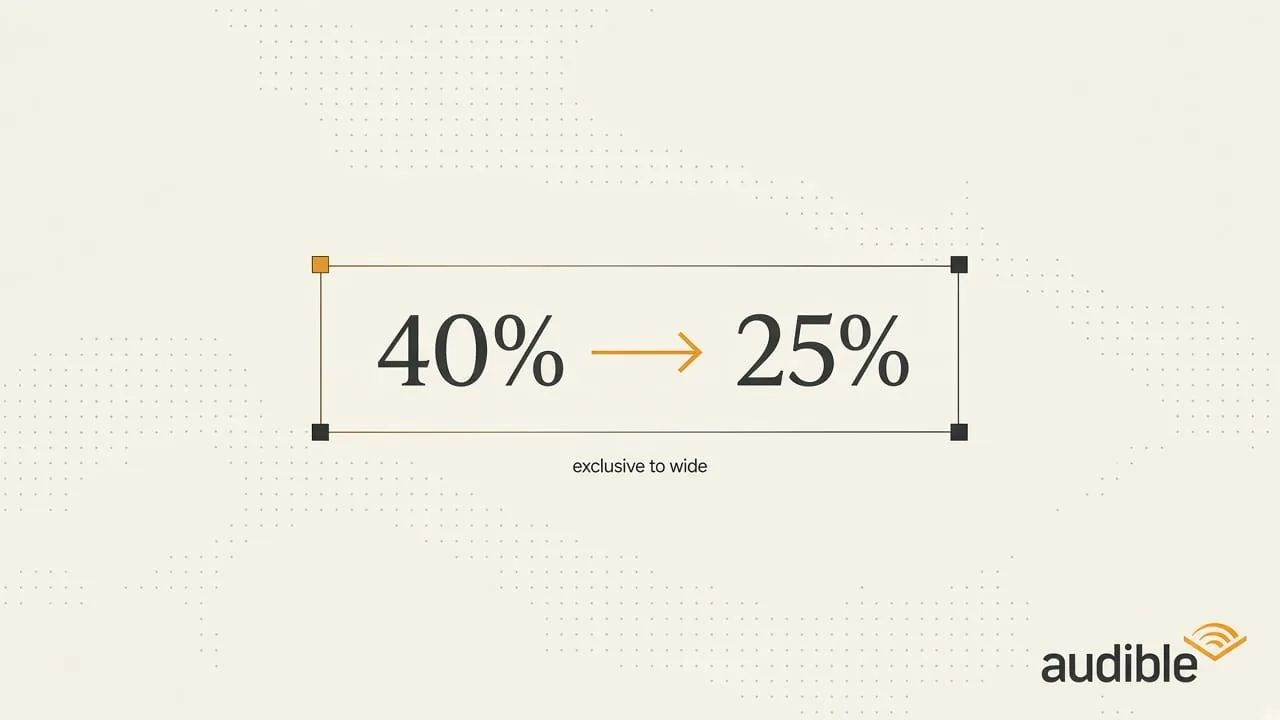
Audible Pays 40%. Wide Pays 25%. We Ran the Numbers on When Leaving Exclusive Actually Pays
Exclusive vs. wide audiobook math with real royalty rates: break-even, the $1,000 example, library money, and when staying Audible-only is the right call.